Many of you may be wondering what exactly happens when children use computers.
Most built-in parental control features only limit screen time and don’t provide real visibility into what’s actually happening. If you want to know what your child does on a PC, set clear restrictions, and receive alerts when something risky occurs, you need a more advanced parental control app.
Here, we’ve carefully tested and listed 10 best Parental Control Software for PC to help you keep kids safe. The list will cover different needs, budgets, and levels of control. Whether you want light supervision, strong filtering, risk alerts, or deep PC management, you’ll find an option that fits your family.
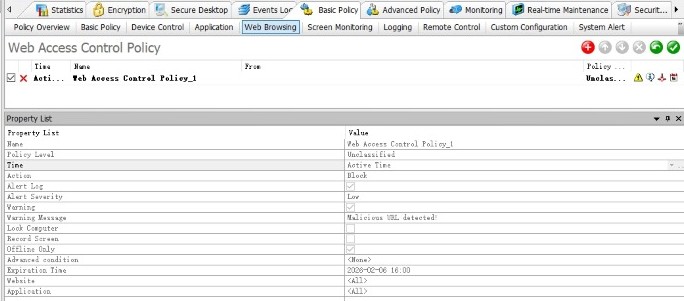
AnySecura is a powerful parental control and management software for PC. Instead of only limiting screen time, it allows parents to manage website access, application usage, and file behavior.
If you are concerned about distractions, inappropriate downloads, or unauthorized software on your child’s computer, AnySecura offers stronger control than basic screen time tools.
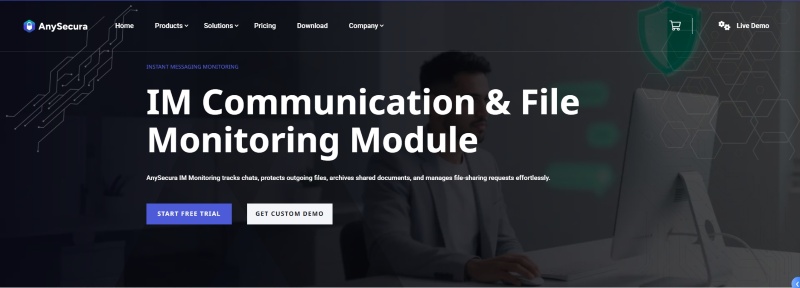
Simply install the console on your computer, and you can see detailed activity information, including which applications have been opened, which websites have been visited, file operations performed, and even view the current screen in real time. Beyond monitoring, you can also set restrictions — such as controlling which websites can be accessed, blocking specific applications, and restricting external devices (like USB drives).
More importantly, it can help identify potentially risky online behavior patterns. For example, if your child searches for harmful topics (such as self-harm, violence, or adult content), the system can flag those searches. If risky words appear in chats on the computer, it can alert you so you can step in early. This makes it more suitable for families who are worried about online risks, unsafe conversations, inappropriate downloads, or gaming distractions on a PC.
It's not only a comprehensive parental control app, but also a guardian for family computer files. It supports automatic file backup and encryption protection, so even if children accidentally delete files, inadvertently overwrite important data, or freely transfer files via chat, cloud storage, or USB drives, it can promptly intercept and automatically archive them, ensuring that precious photos, study materials, and family documents are never lost or leaked.
Microsoft Family Safety is a parental control software designed for families using Microsoft products. It integrates closely with Windows and Xbox accounts, allowing you to set separate playtime limits for specific apps and games on Windows, Xbox, and Android. When the playtime limit is reached, it can be automatically locked. Children can request extensions, and you can approve them remotely.
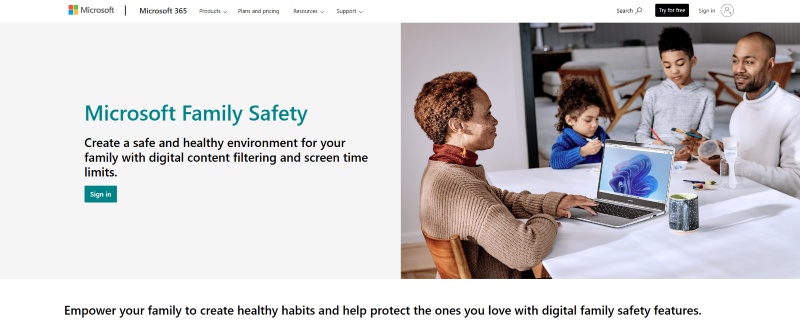
It supports web and search filtering, but this works through Microsoft Edge. This means that when your child uses the Edge browser, it filters web pages and searches, blocking inappropriate content. If your child attempts to download mature content from the Microsoft Store, you will be notified and can approve it. Additionally, you can view simple activity summaries and adjust rules remotely via the Family Safety mobile app.
Privacy controls are clearly explained, and some optional data collection can be turned off. Biometric features like fingerprint or face unlock stay on the device and are not stored by Microsoft.
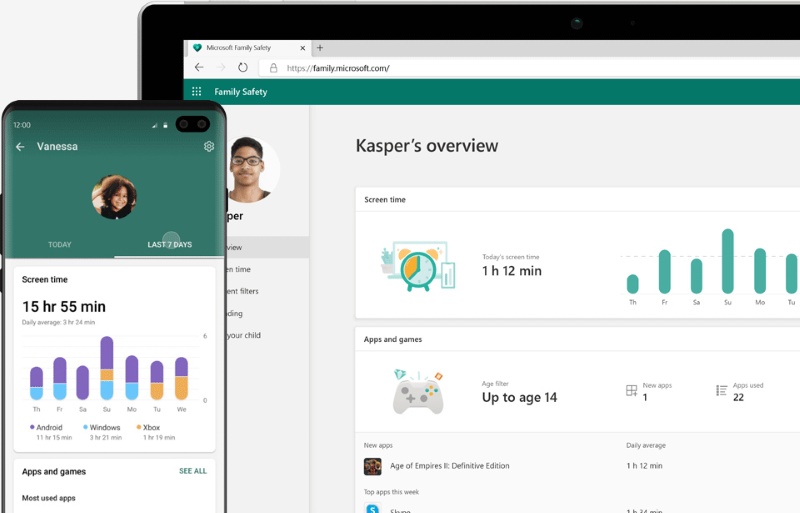
According to Microsoft's official documentation, website and search filtering only work properly when using Microsoft Edge. To enforce these rules, the system may block other browsers.
It is also not a “deep monitoring” tool. It does not analyze detailed content inside apps or closely review conversations in social media platforms.
Qustodio is a comprehansive parental control app that works across many types of devices. Whether your family uses Windows PCs, Macs, Android phones, iPhones, Kindles, or Chromebooks, everything can be managed from one central dashboard.
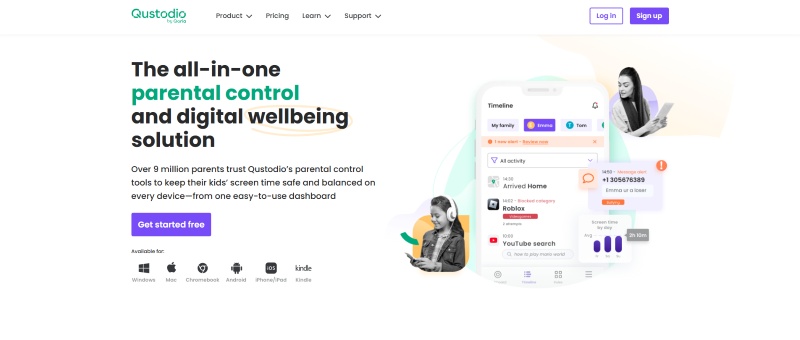
Among common parental control features, Qustodio's strength is that it is comprehensive without being overwhelming.
It allows you to filter websites and apps, and clearly shows what your child has been doing each day, such as which websites they visited and which YouTube videos they watched. You can set daily time limits and create fixed schedules, such as automatically turning off internet access at a certain hour. It also includes location tracking, so you can see where your child is and receive alerts when they arrive at or leave specific places.
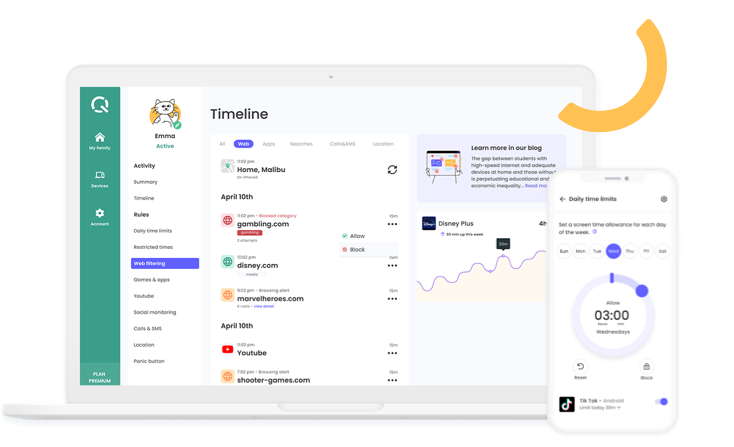
If you only need very simple screen time limits or a basic website whitelist, this feature-rich software may feel heavier than necessary.
Another practical concern is pricing. Costs can vary depending on region, currency, and promotions. Different subscription plans also include different features, such as social media monitoring, AI-powered alerts, or call and SMS tracking.
Norton Family focuses on helping children stay focused during study time. For example, you can set “School Time,” where only educational websites are allowed and distracting sites are automatically blocked. If your main concern is making sure your child is not distracted during class or homework time, this product is a good fit.
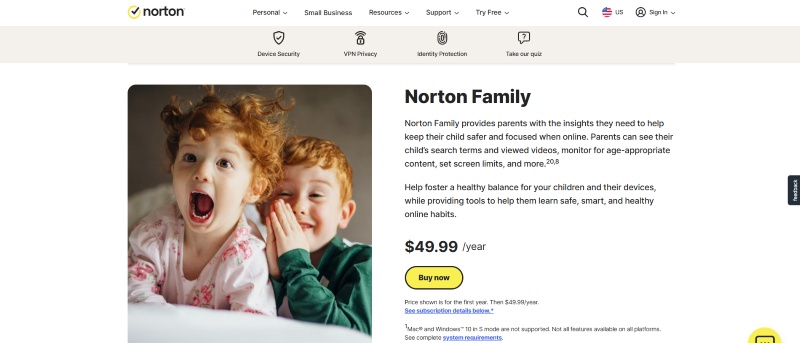
It comes from a well-known cybersecurity company and can be purchased separately in some regions, or bundled as part of the Norton 360 security suite.
You can set screen time limits by day or by time blocks, for example, different rules for weekdays and weekends. If needed, you can also remotely lock your child's device. It can also filter websites and allow you to see what your child has searched for. It supports Windows, Android, and iPhone devices.
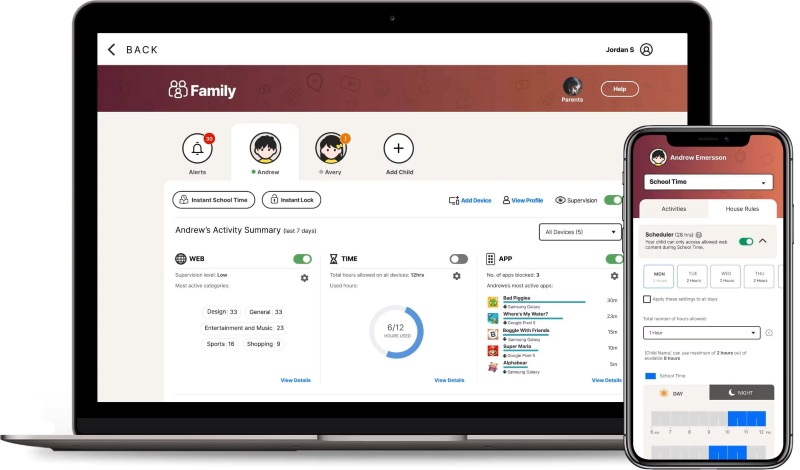
Officially, Mac computers are not supported for Norton Family parental control features. If your child mainly uses a Mac, this is a significant limitation. Even on supported devices, some features require browser extensions or only work properly in specific browsers.
Net Nanny is a parental control software for PC that focuses on strong content filtering and fast alerts. Its biggest strength is that parents can clearly see their child's online activity through a live activity feed and receive immediate notifications when risky content is detected.
If your main concern is preventing exposure to harmful content, such as adult material, violence, self-harm, suicide-related topics, or weapons, this type of software is a strong fit.
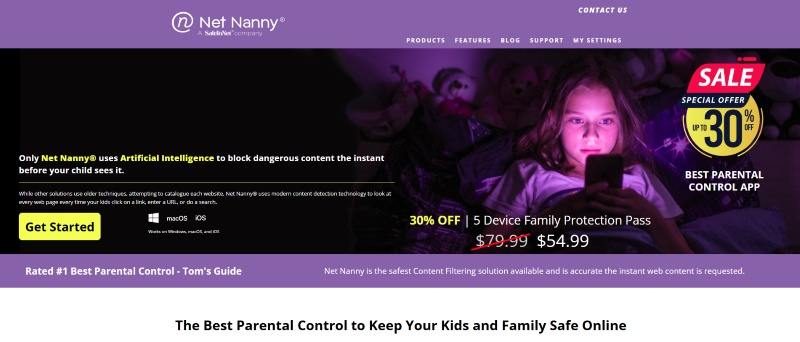
Net Nanny's strength lies in “strong blocking + fast alerts.”
You can schedule internet access by the hour or set specific time blocks, such as automatically turning off access at night.
For website filtering, it allows category-based control, you can choose to allow, block, or simply receive alerts. The categories are detailed and include sensitive topics such as adult content, violence, self-harm, suicide, and weapons.
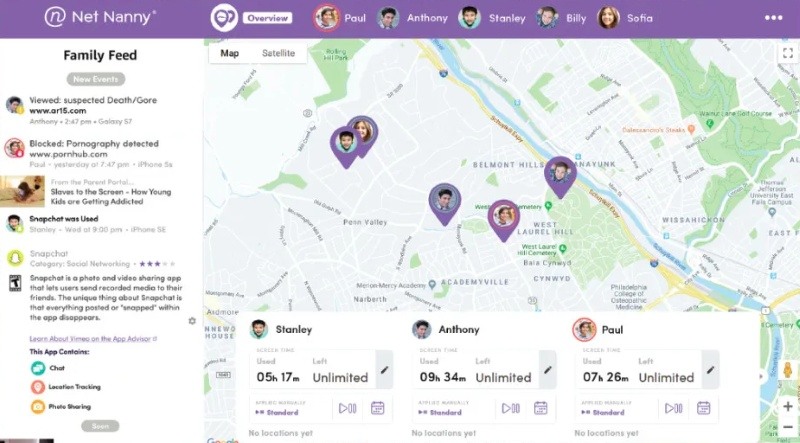
Its biggest limitation is incomplete device support.
According to official documentation, it does not currently support Android, Kindle Fire, or Chromebook devices. It only supports Windows, Mac, and iPhone/iPad.
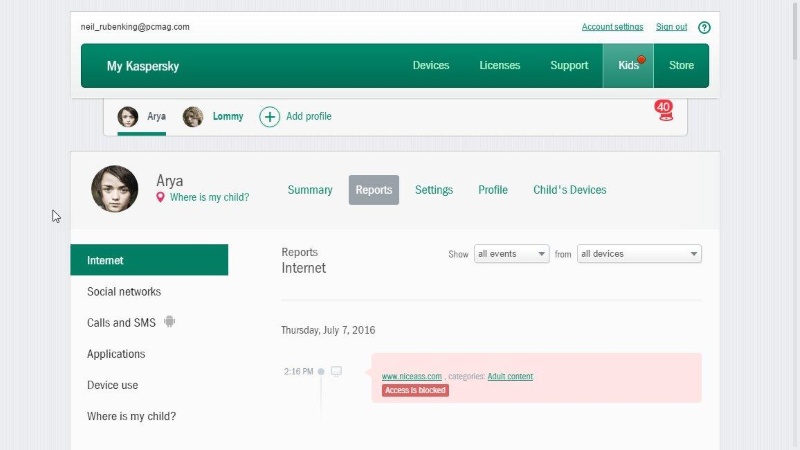
Kaspersky is a parental control solution that focuses on both online safety and real-world safety, offering a balanced set of features. Its location tracking capabilities are relatively strong, including the ability to set “safe zones” such as school or home.
It comes from a well-known cybersecurity company, so the overall system and security framework are mature and well established.
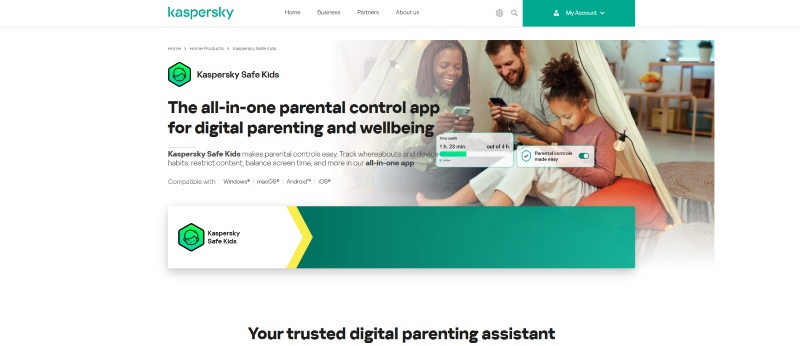
Its web and search filtering features include Safe Search, category-based blocking, and YouTube monitoring.
For screen time management, parents can set daily limits and device schedules, and children can request additional time when needed.
Location tracking is one of its stronger areas, offering GPS tracking, geofencing (“allowed areas”), and low battery alerts.
Pricing can vary significantly depending on region and subscription bundle.
Some pages advertise “Safe Kids free for one year,” while others mention renewal pricing, suggesting that costs may differ based on location or whether it is bundled with other security products. You should always check your local checkout page for accurate pricing.
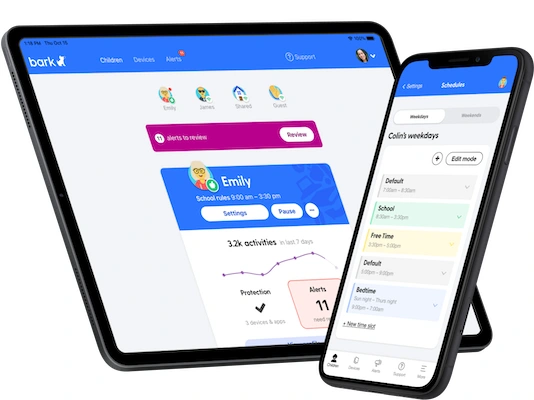
Bark is a “risk-alert–focused” parental control software for PC. Instead of asking parents to manually review every message or activity, it uses machine learning and context analysis to detect potential risks and send alerts.
It focuses on high-risk issues such as cyberbullying, online predators, sexual exploitation, and self-harm.
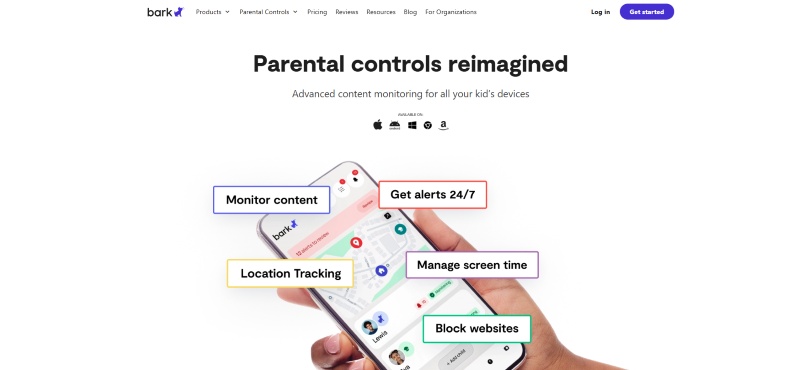
It also includes basic parental control features like screen time limits, website and app blocking, and location tracking. However, its biggest strength is identifying emotional or safety risks and proactively notifying parents.
For activity monitoring, it covers a wide range of platforms, including text messages, email, YouTube, and more than 30 social media platforms. It can also monitor web searches and media (such as photos and videos) stored on the device.
If the system detects signs of cyberbullying, predatory behavior, or self-harm concerns, it sends immediate notifications and provides suggested next steps along with mental health resources.
Its biggest practical limitation is regional availability.
According to official documentation, it primarily supports the United States, Australia, South Africa, and a limited number of other countries (with gradual expansion). If you are located in Singapore or other regions, you may not be able to purchase it or may experience limited functionality.
Mobicip is designed as an all-in-one management tool for busy parents. You can handle multiple parental control tasks within a single platform.
According to the company, it can also be deployed and managed by administrators in schools or organizations, which means it is not only suitable for families but can also be used in more formal management environments.
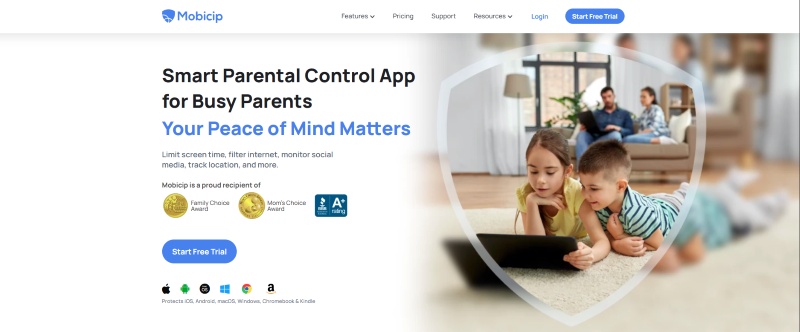
Its features are comprehensive while remaining relatively easy to set up. It supports various devices, including Windows PCs, Macs, and Chromebooks, making it suitable for households that use a mix of systems.
Parents can set daily screen time limits, create fixed schedules, and remotely lock devices when needed. It allows website and app blocking and includes protection against children uninstalling the software. You can view usage reports, receive app installation alerts, and monitor some social media activity. It also supports location tracking and geofence alerts. All rules can be managed remotely from a centralized dashboard.
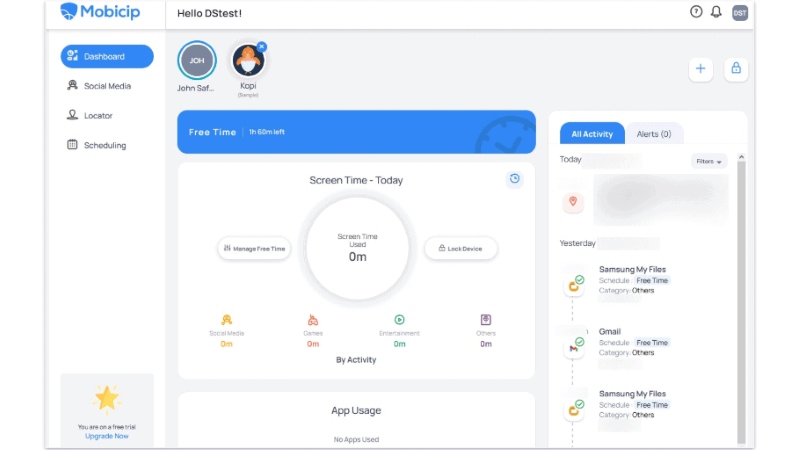
Its biggest limitation is in social media monitoring. Coverage is relatively limited, and support varies across devices. According to official information, it mainly supports monitoring on platforms like Facebook and Snapchat. Additionally, Snapchat monitoring on iPhone devices has certain limitations.
FamilyTime is a parental control tool that places strong emphasis on real-world safety. Its focus is not only on managing online activity, but also on helping parents know where their child is. Key features include location tracking, geofencing (area alerts), and an SOS emergency button.
At the same time, it also offers basic screen time limits and content filtering.
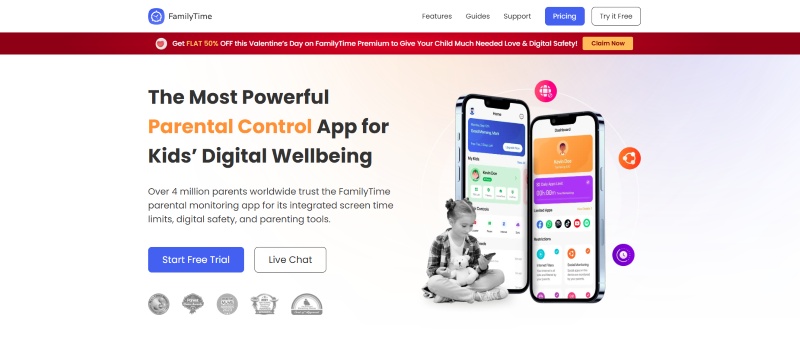
Its pricing model is somewhat different, it charges per child profile rather than per device. The cost is relatively affordable, making it suitable for families with multiple guardians or those who want to create separate profiles for each child.
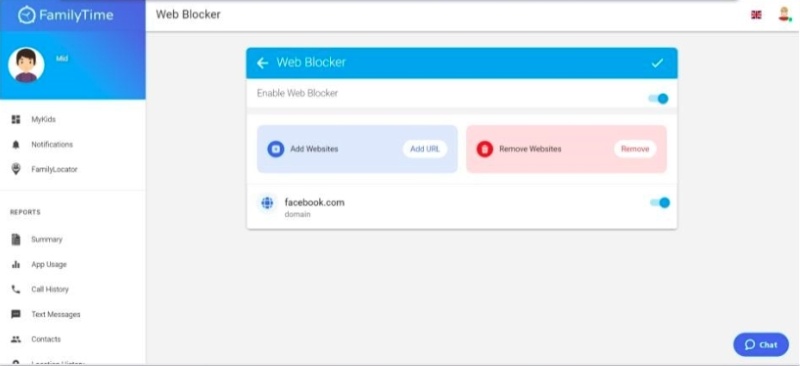
On privacy, the company states that accounts and data can be deleted and that children's data is not sold or shared. However, it also provides a detailed list of the types of data collected, which parents should review before use.
According to the official app privacy documentation, the software may collect and upload various sensitive data from a child's device, including photos, contacts, location history, call logs, SMS content, and installed app lists.
The company also notes that in some cases, deleting data on the device may not automatically delete data stored on their servers.
Aura is positioned as an all-in-one family cybersecurity bundle. In addition to parental controls, it includes identity theft protection, anti-fraud tools, antivirus, and VPN services, all under a single subscription.
It is best suited for families who want to manage both their children's online activity and overall household digital security in one platform, making it a more premium option.
Its parental control features are powered by Circle technology. One standout feature is “Safe Gaming,” which monitors voice and text chat in more than 200 PC games.
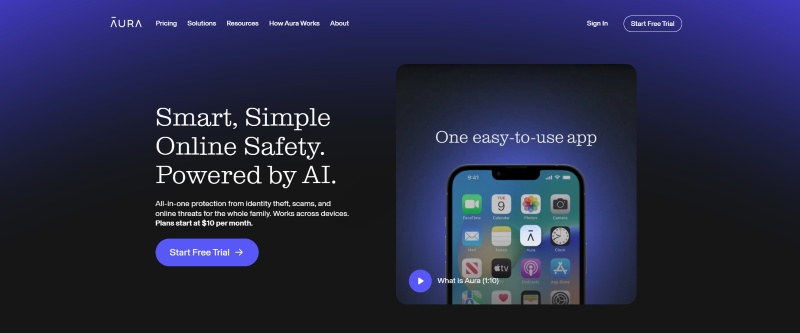
Aura's main strengths are game safety and risk alerts.
It allows parents to set screen time limits, pause internet access, and filter websites and apps. What makes it different is its ability to monitor voice and text chat within certain online games, something not commonly offered by most parental control tools.
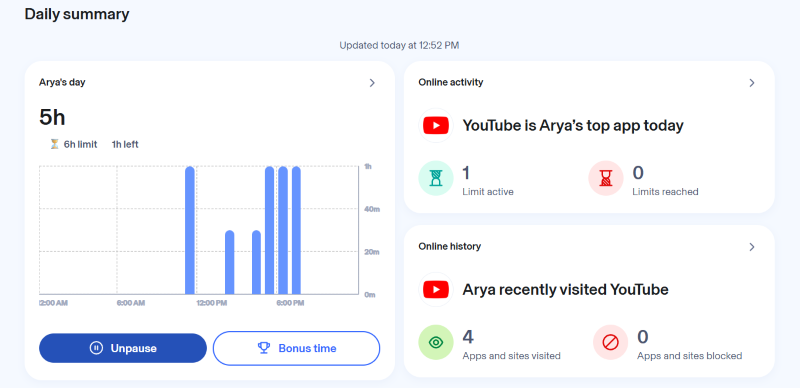
It is relatively expensive. Since the subscription bundles parental control with identity protection and anti-fraud services, the cost is significantly higher than standalone parental control products.
Parental control software for PC helps parents manage how a child uses a Windows or Mac computer. It can limit screen time, block inappropriate websites, restrict certain apps or games, and monitor online activity.
Yes. Most parental control software for PC can block specific websites, filter content by category, and prevent certain apps or programs from running.
The best parental control software for PC depends on what you care about most. Different tools solve different problems. Choose based on your biggest concern not just the feature list.
And remember: parental control software isn’t about control alone.
It’s about creating a safer, more focused digital space for your child.
Start with protection. Build habits next.

