SurveilStar Network Monitoring Software can also track shared files operation history. This function helps IT manager to know who has accessed and operated the shared files of the monitored computers. Access and operation from both internal and external network can be tracked. Once any abnormal access or operation from external network is found, IT manager can immediately take actions to prevent the abuse or hacking.
SurveilStar can record Create, Rename, Delete and Modify operation types on shared files, record source file, path, remote IP and remote computer name.
Select a computer or a group at first, then specify your search conditions including time and range, operation type, source file, path and remote IP/name.
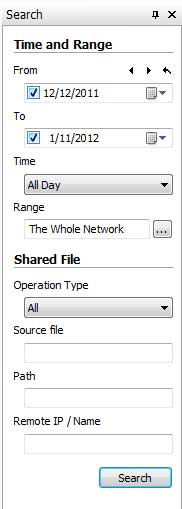
Operation Type: Supported shared files operation types are Create, Rename, Delete and Modify.
Source File: File name of shared files operated by the remote computers. File extension could be included as well.
Path: The detailed location of shared files operated by remote computers.
Remote IP/Name: Type in remote IP address or remote computer name to search when the computer has operated on any shared files.
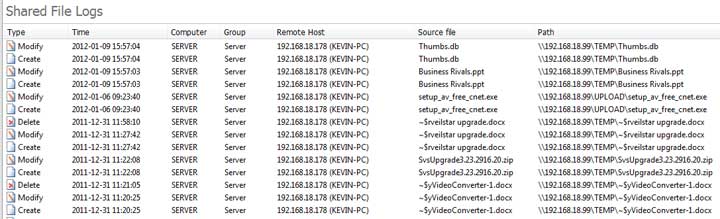
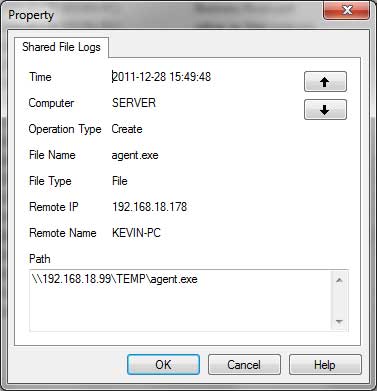
Right-click on any shared files log and click Property to view detailed information of the operation on this shared file.
| Document Logs | Back to Index | Printing Logs |
